The tiny detail Simple Analytics added for screenshots
While using Simple Analytics on my last project, Sober Ringtones, I noticed something odd in one of its charts.
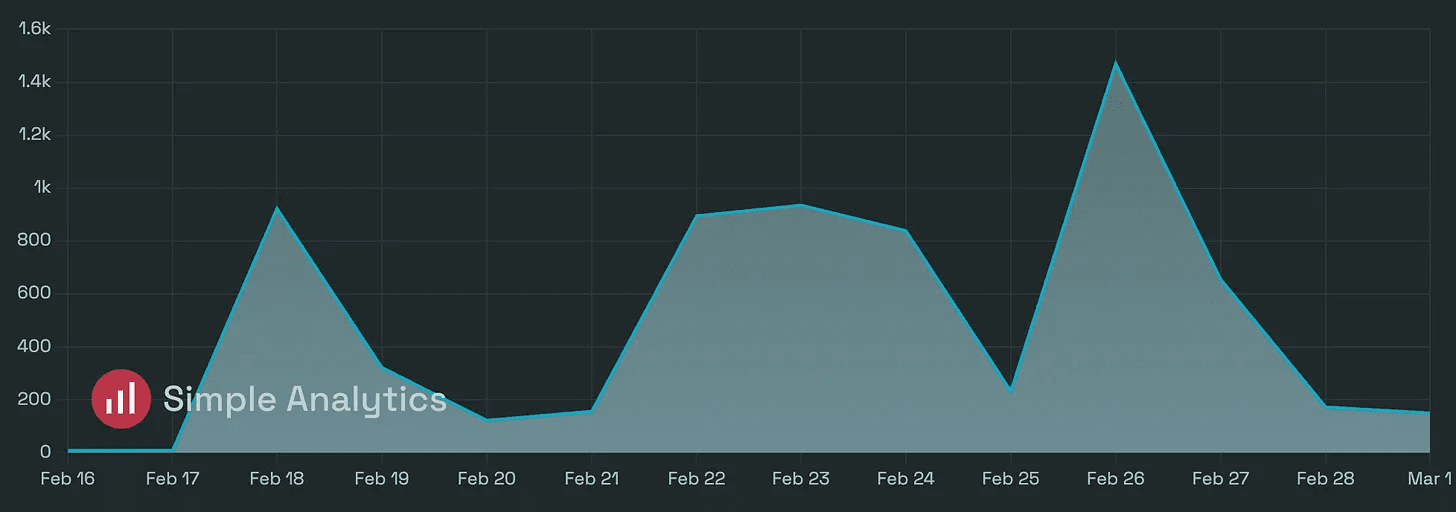
When I held ⇧ + ⌘, the small logo in the bottom-left corner became larger and fully opaque. I couldn’t see why two modifier keys should affect a chart, so I ignored it.
A few days later, it clicked.
The macOS screenshot shortcuts all use ⇧ + ⌘: add 3 for the entire screen, 4 for a selected area, or 5 to open the Screenshot app.
Simple Analytics responds to those first two keys by making its logo more visible just before the screenshot is taken. The interface stays quiet while you use the chart, but the name is easier to see in an image someone may share.
I initially thought this might be accidental. Simple Analytics later confirmed that it was intentional.
The logo asks for attention only when the chart is about to leave the product. The rest of the time, it gets out of the way.